What is KNX visualization?
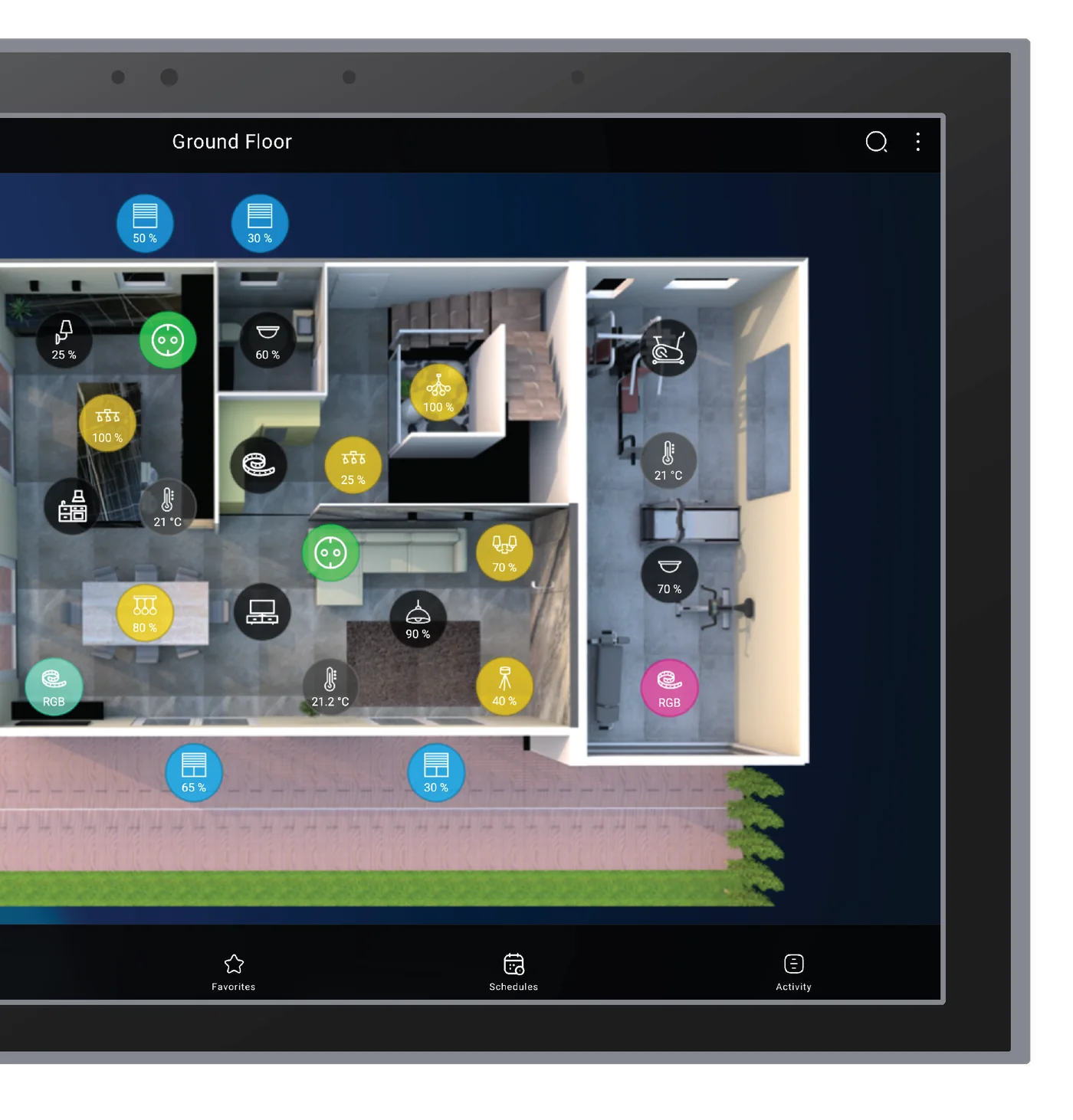
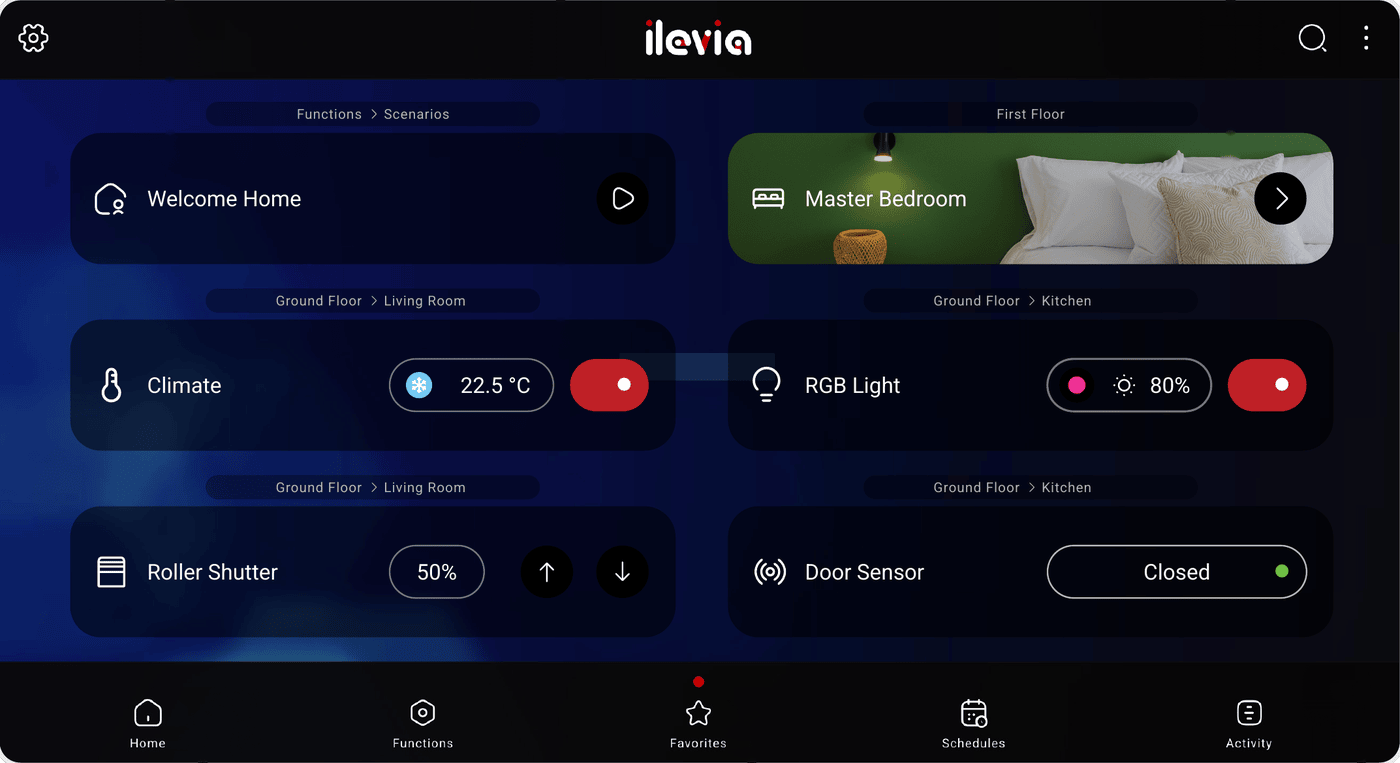
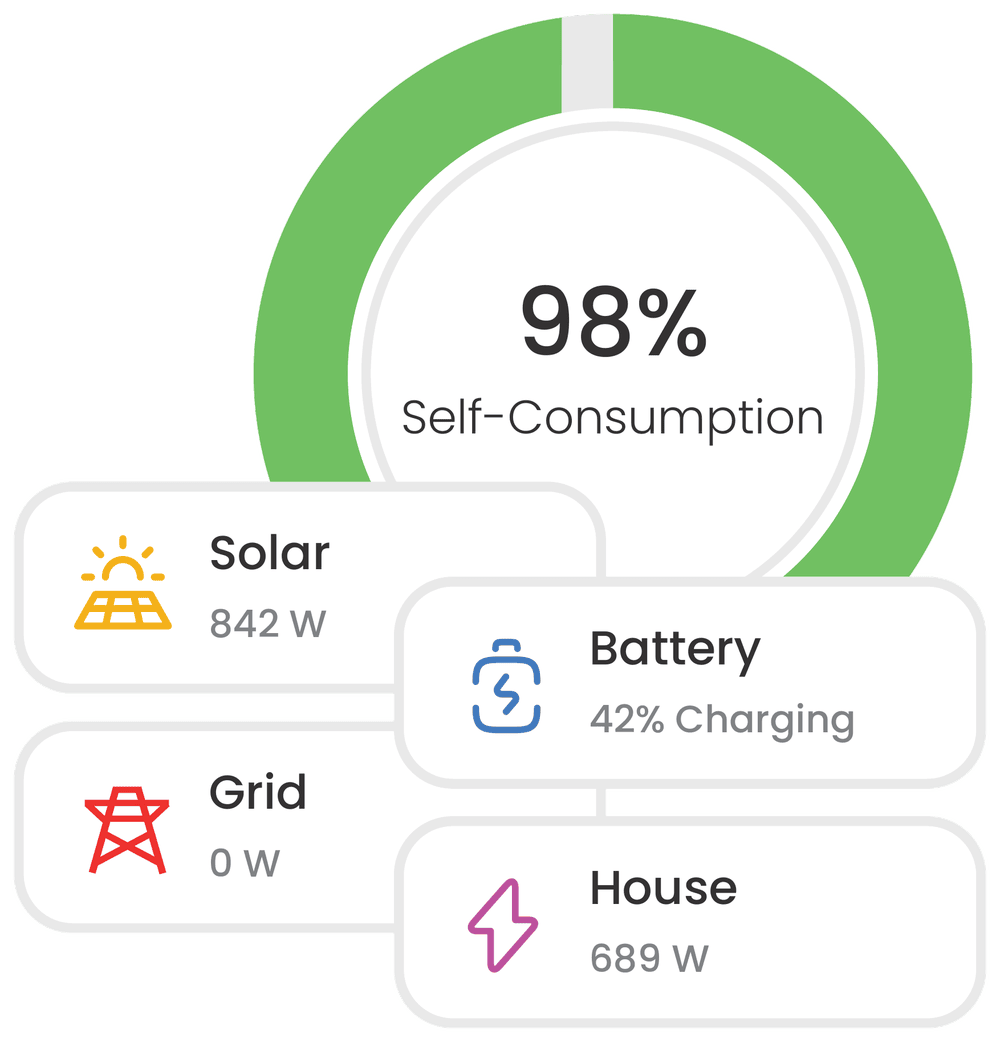
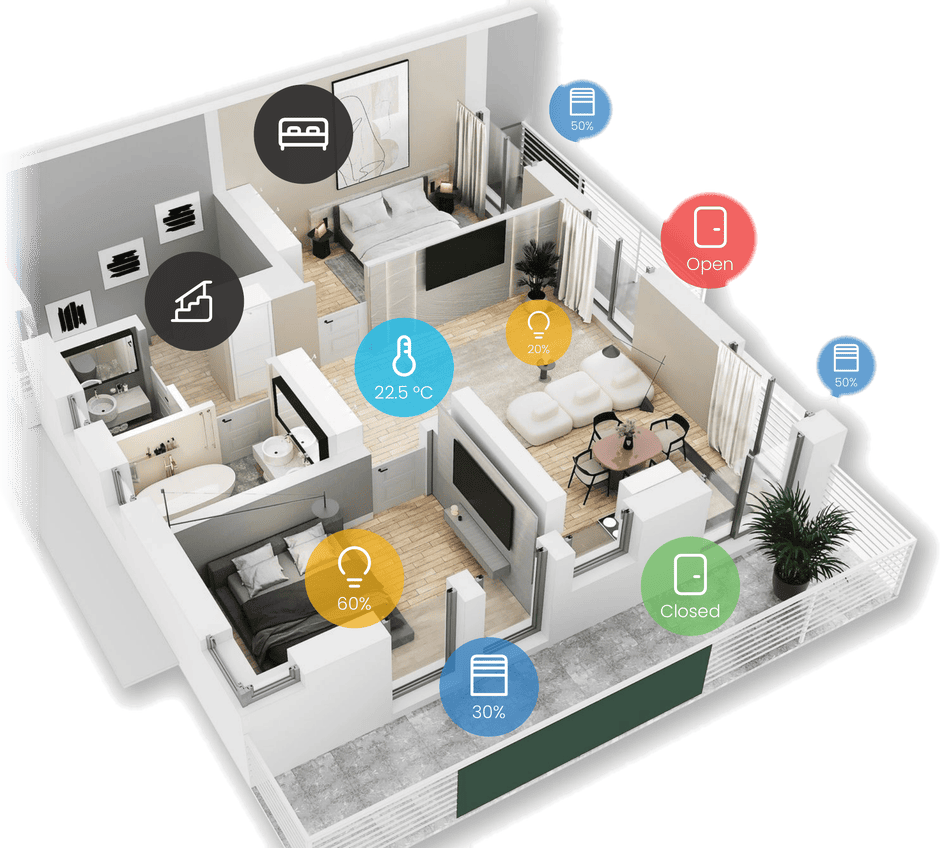
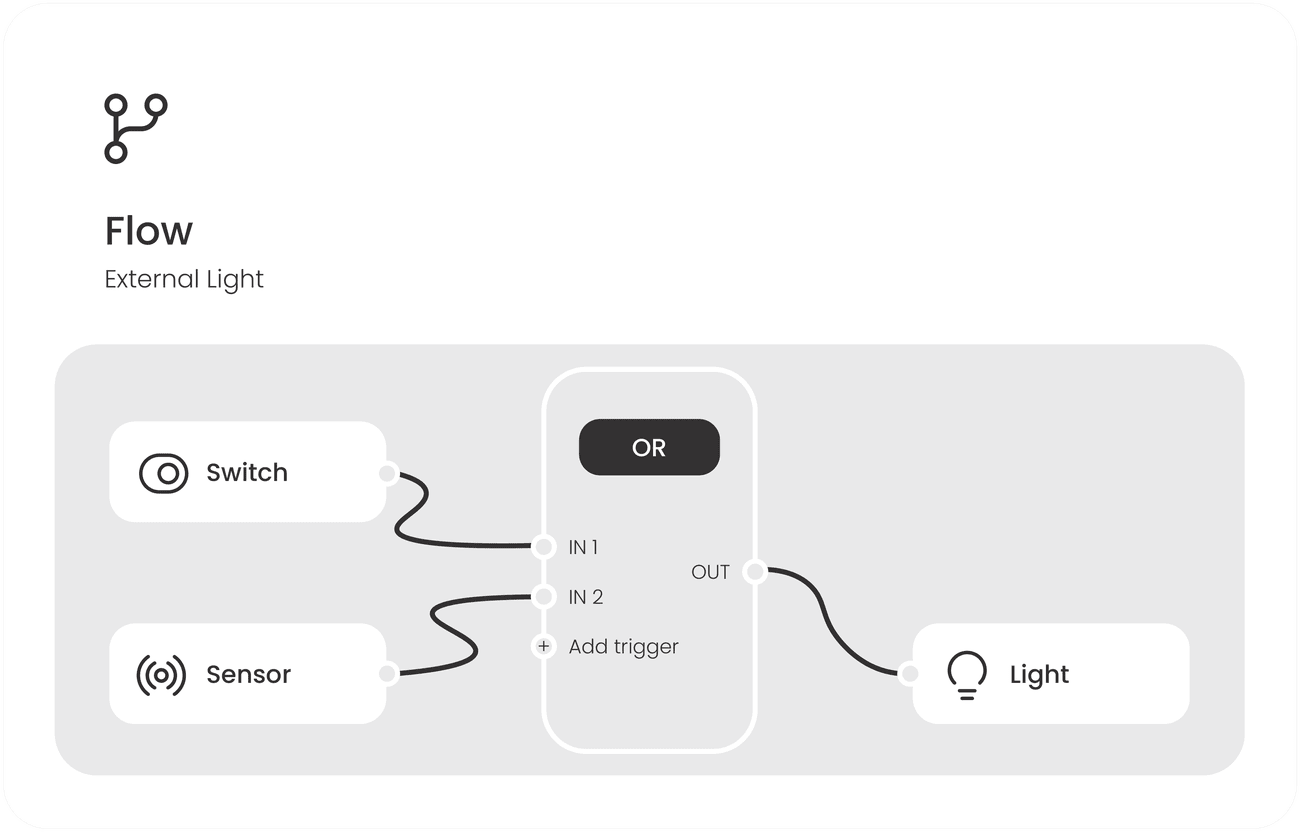
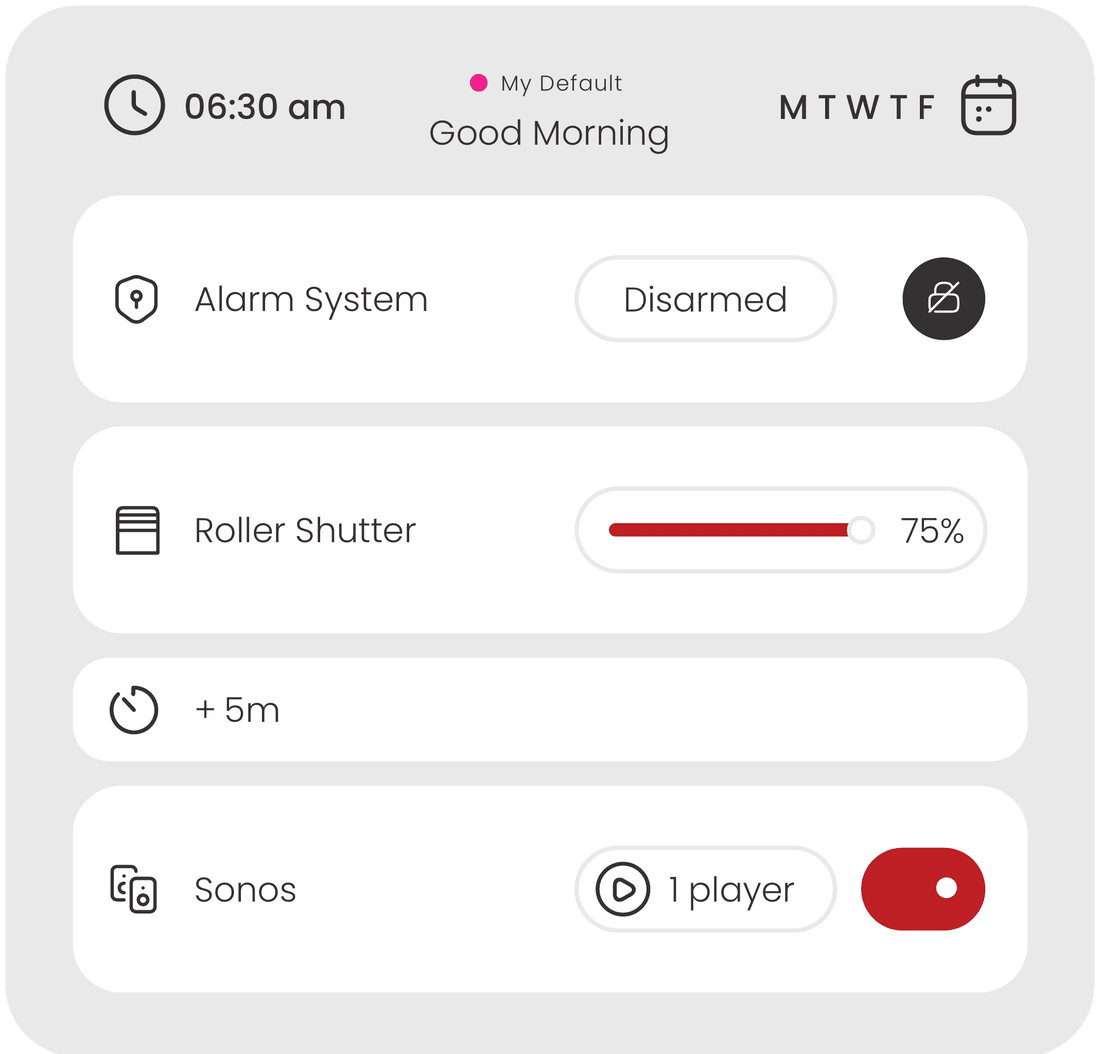
KNX visualization is the graphical layer that sits on top of a KNX installation. Instead of reasoning in group addresses, the user sees rooms, devices and systems and operates them from a touch panel, a phone or a browser. Ilevia adds supervision on top of that: logic, scheduling, energy data and third-party systems in the same interface.
Do I still need ETS?
Yes. ETS stays the tool that programs the devices on the KNX bus. Ilevia Manager reads the project and builds the visualization above it, so the two are complementary rather than alternatives. With the Cloud Extras module you can also run ETS programming remotely through a secure VPN gateway.
Does it work without an internet connection?
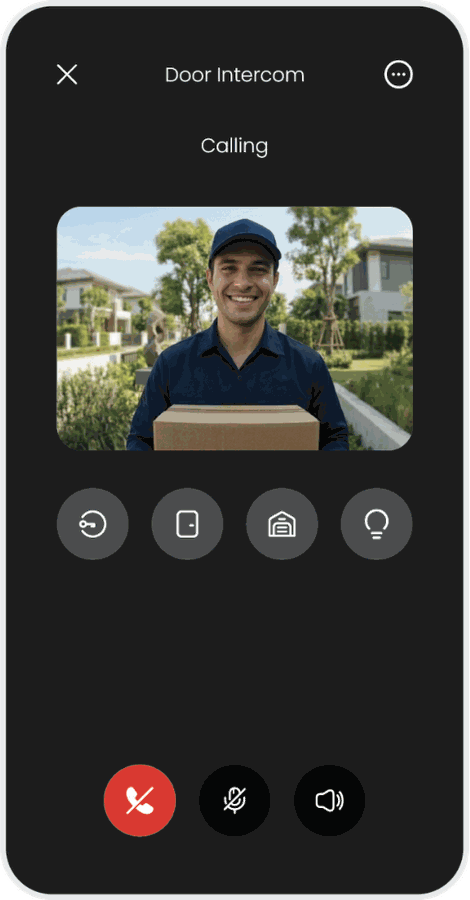
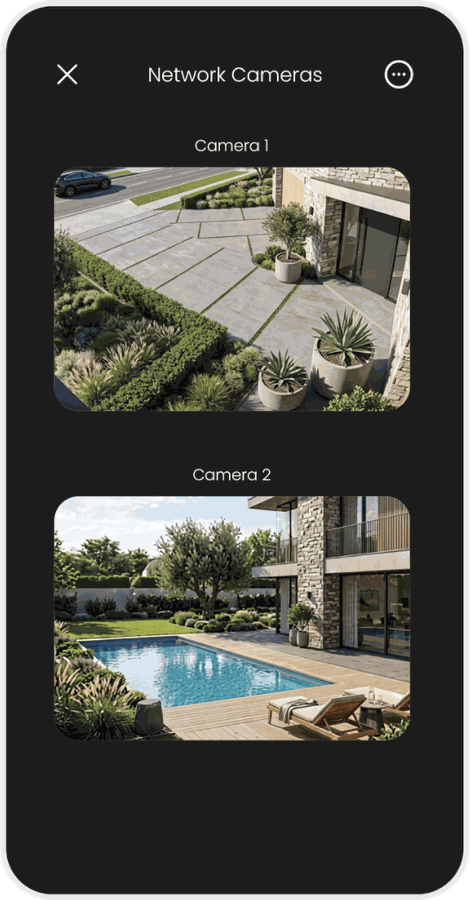
Yes. The server runs on site and the app connects to it directly over the local network, choosing the fastest path automatically. The cloud is used only when you are away from the building; remote video streaming for intercoms and cameras requires the Cloud Extras module.
Which devices can run the interface?
The same visualization runs on Ilevia touch panels, on iOS and Android phones and tablets, and on a desktop browser. The apps are free on both stores. See the
touch panels or open the web demo.
Can the interface be customised per project?
Yes. Floor plans or scrolling object lists, custom icon sets, backgrounds, fonts, themes, column count and widget transparency are all configurable, and each user can switch the interface language independently.
Can a hotel guest change the interface language?
Yes. A language widget can be placed anywhere in the interface: the guest taps it and the whole app switches — labels, rooms and scenes included. Nothing has to be configured room by room, and reception has nothing to explain. The AI layer then answers in that same language.
Can I share access with other people?
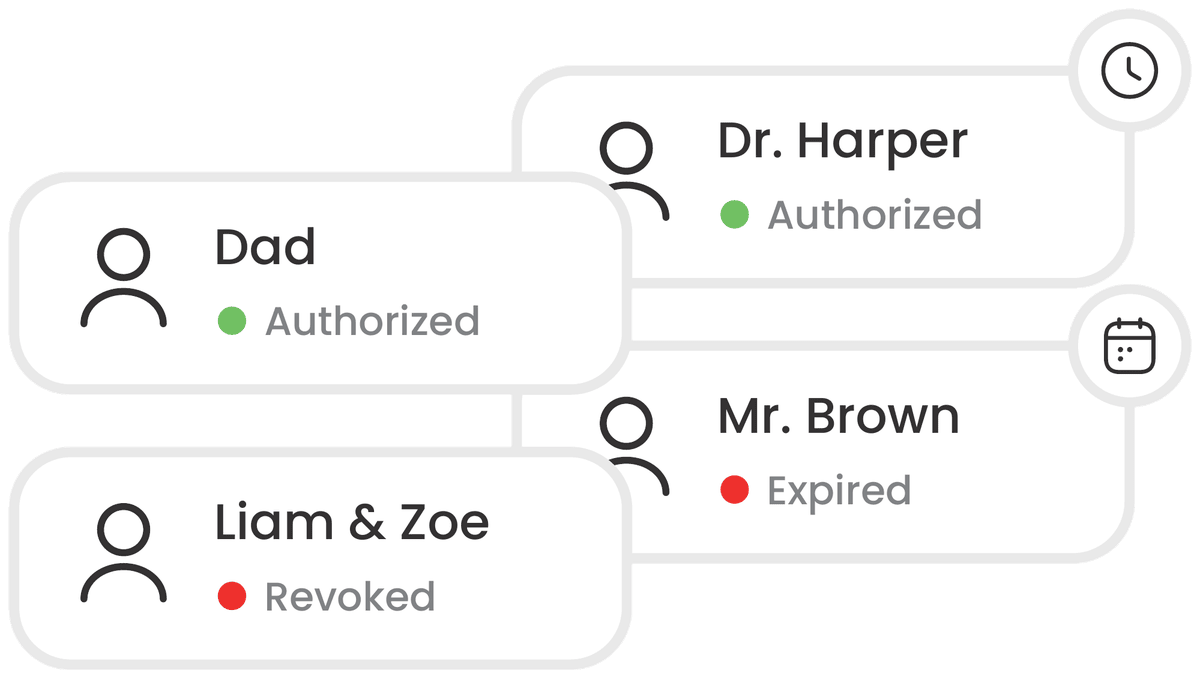
Yes. The account owner can share it with other people — family members, staff, a guest — and block whoever is using the share at any moment, whenever they decide.
Can I connect my own AI to the server?
Yes. Besides the built-in ChatGPT integration through the OpenAI API, the server exposes an MCP (Model Context Protocol) server: any MCP-compatible AI can read device states and send commands. It also works on the local network, with a model running on site.