Scenarios
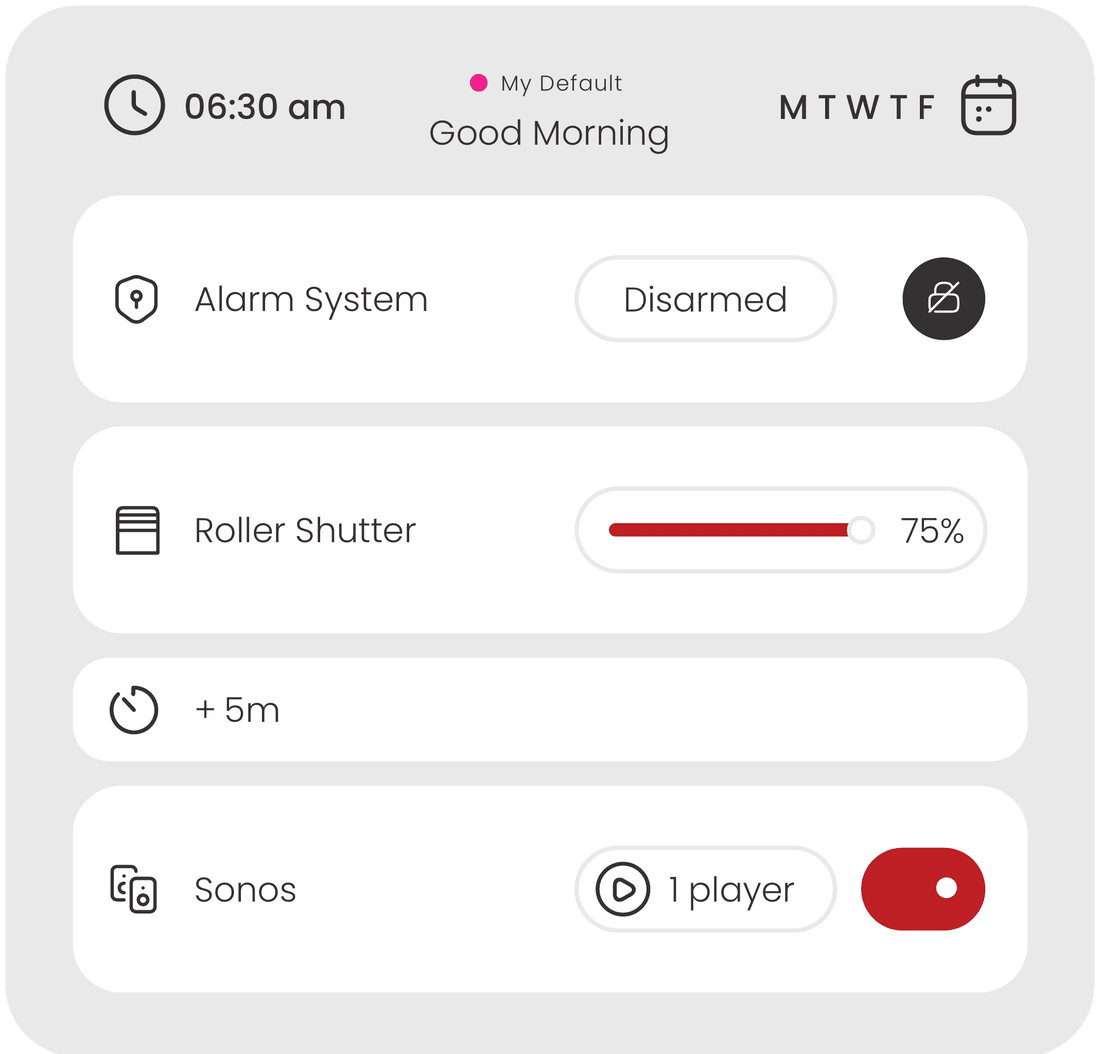
Launch complex combinations of multiple actions with a single tap.
Smart Home & Building Visualization
An all-in-one, ultra-powerful platform designed to break limitations by integrating standards and third-party devices, while delivering a fast, modern and highly reliable user experience.
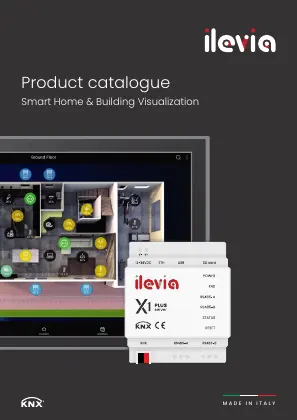 Product catalogue 2026The full ilevia range in one PDFDownload





































New — ILEVIA Plugin for ChatGPT
The ILEVIA Plugin for ChatGPT brings natural language to the entire home or building. One conversation reaches lights, climate, shutters, multimedia, energy — in the guest’s own language.
01 — The platform
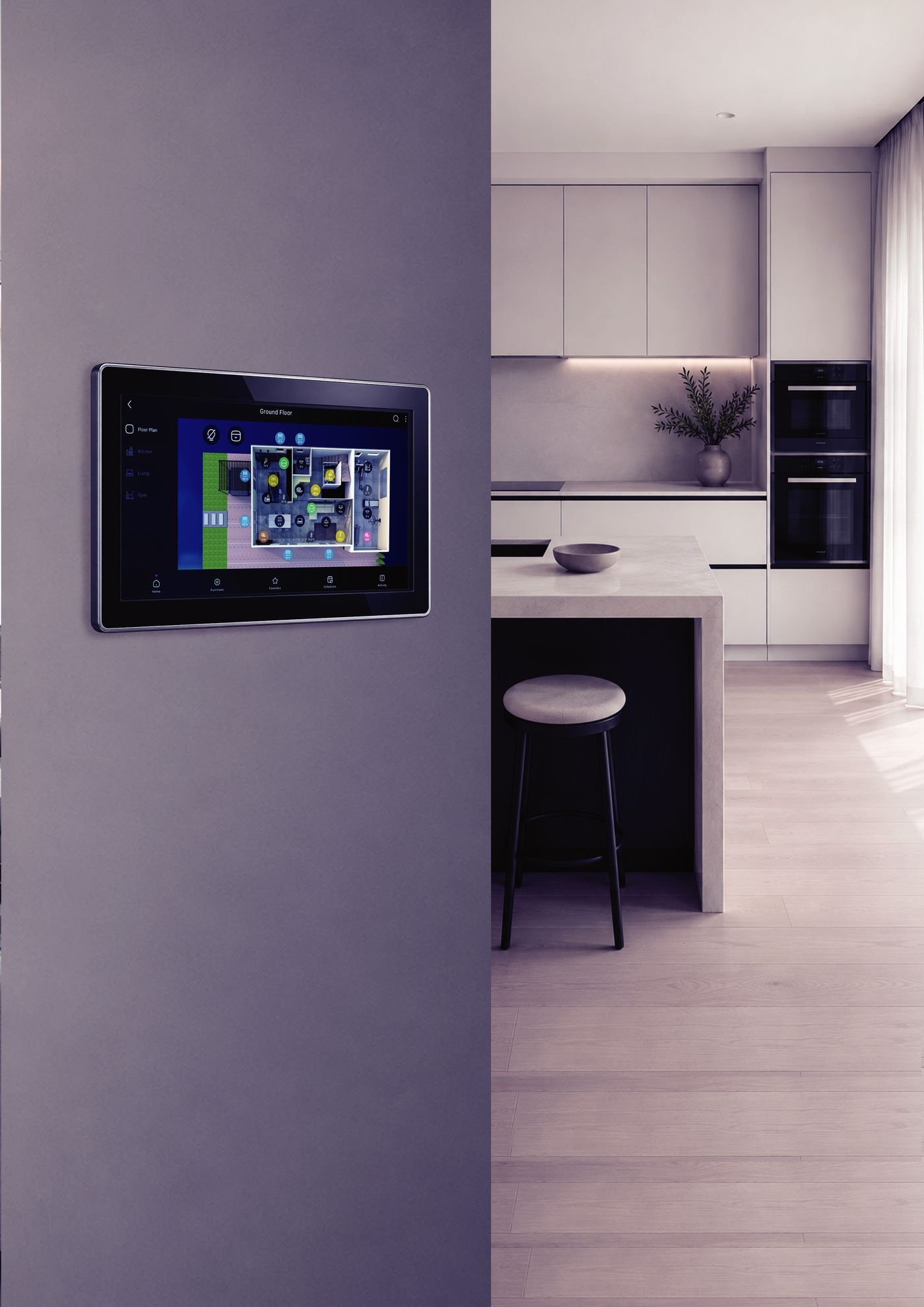
Embedded directly within ilevia hardware, the visualization bridges KNX, Modbus, Zigbee and MQTT with diverse third-party systems — turning operational complexity into a fluid user experience.
Launch complex combinations of multiple actions with a single tap.
Direct access to individual devices for immediate adjustments.
Jump between areas of the building through a fast, intuitive layout.
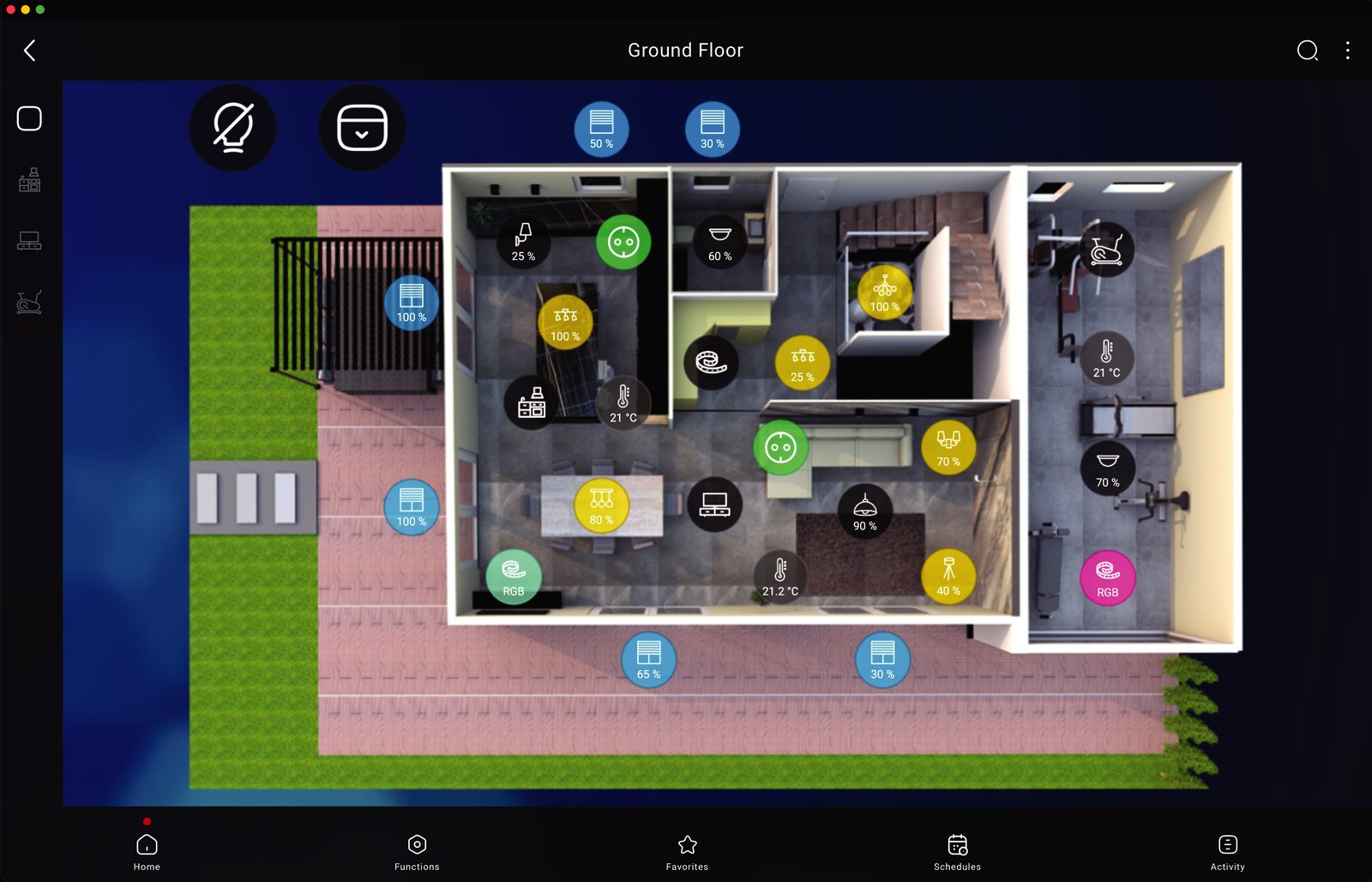
Browse the entire building with high-resolution, responsive floor plans.
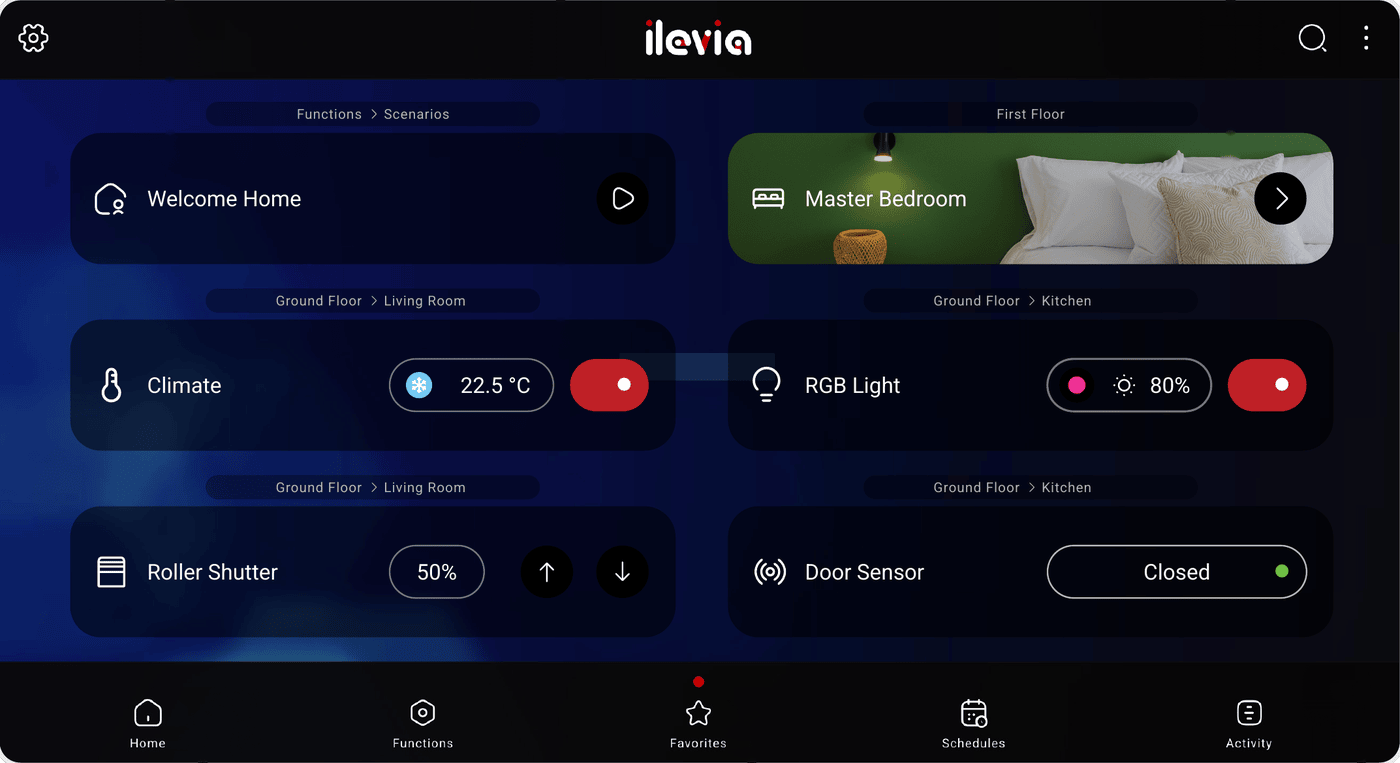
Pin the most frequently used controls into a fully tailored command panel.
Keep essential controls and navigation modes always within reach.
02 — Interoperability
While KNX and Modbus guarantee absolute compatibility across manufacturers, the system extends over IP to integrate countless third-party systems and devices.
03 — The app
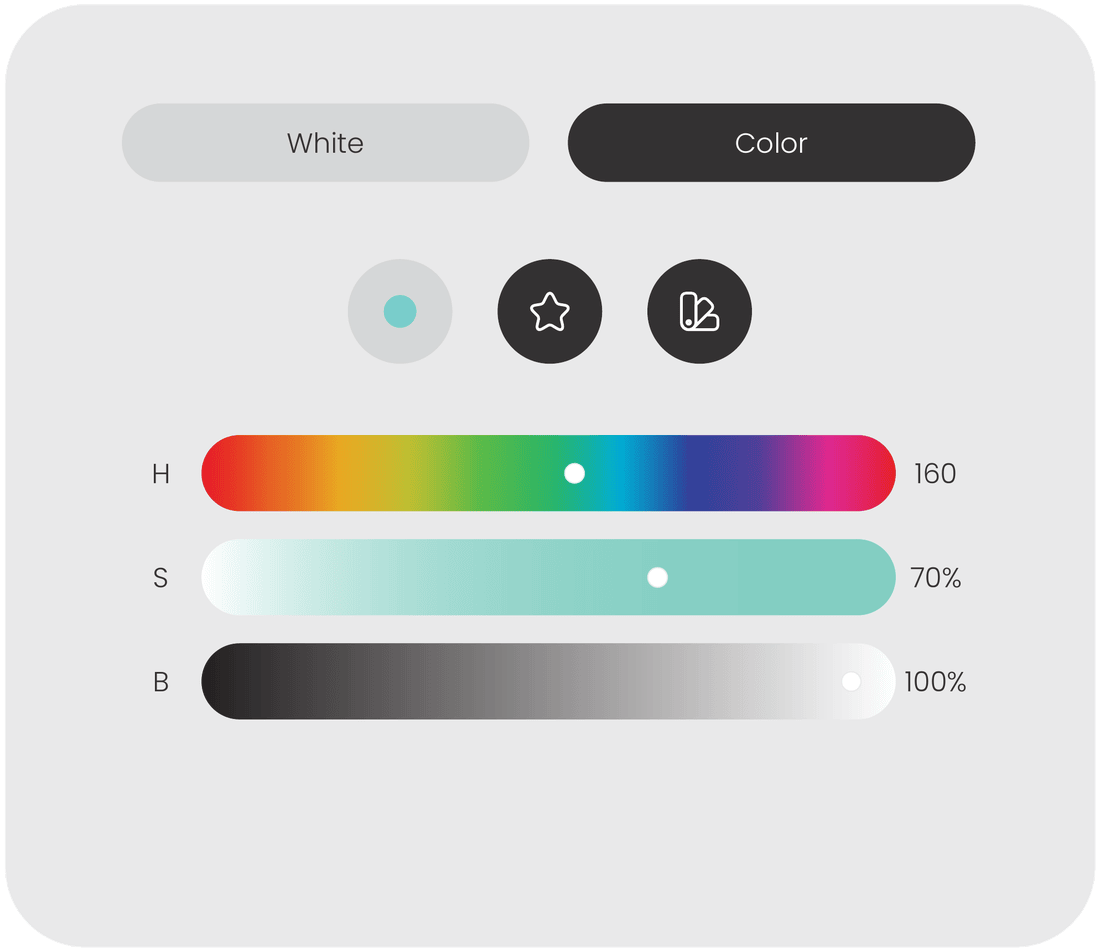
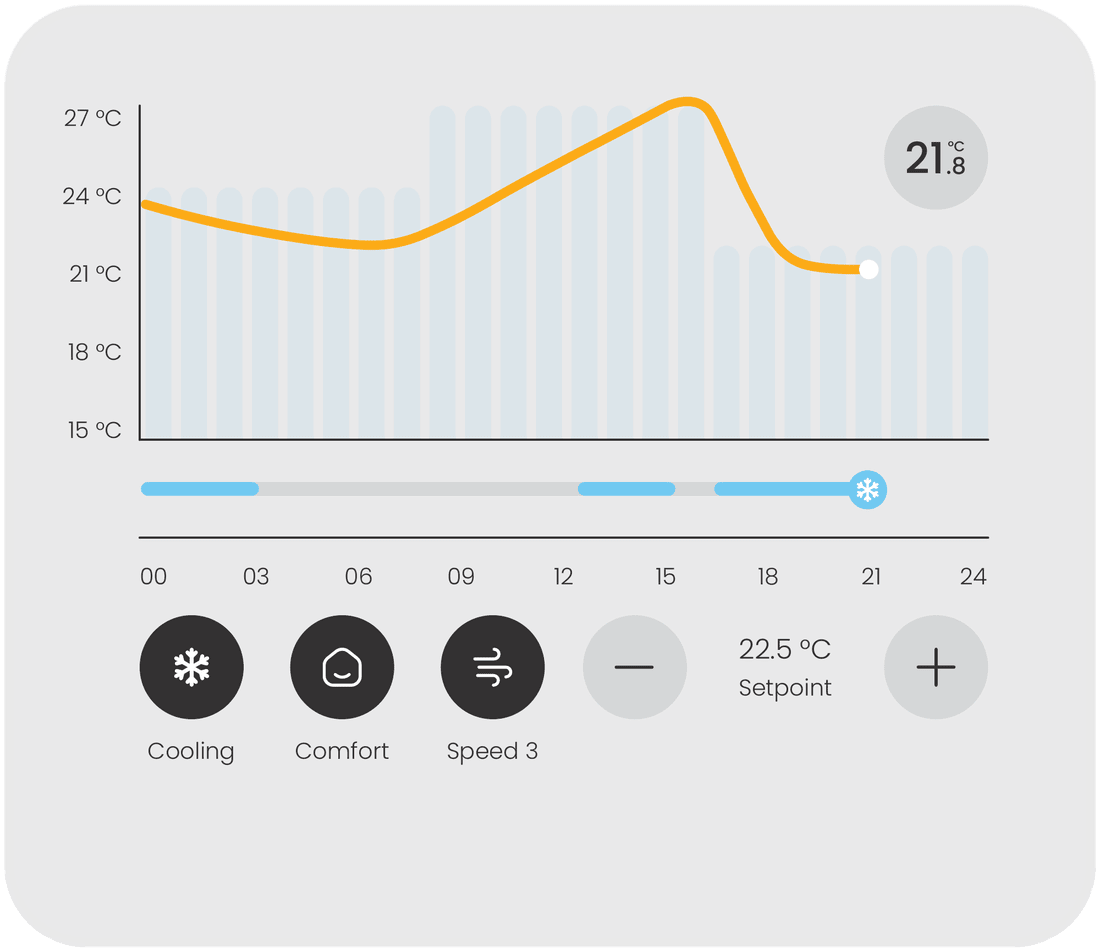
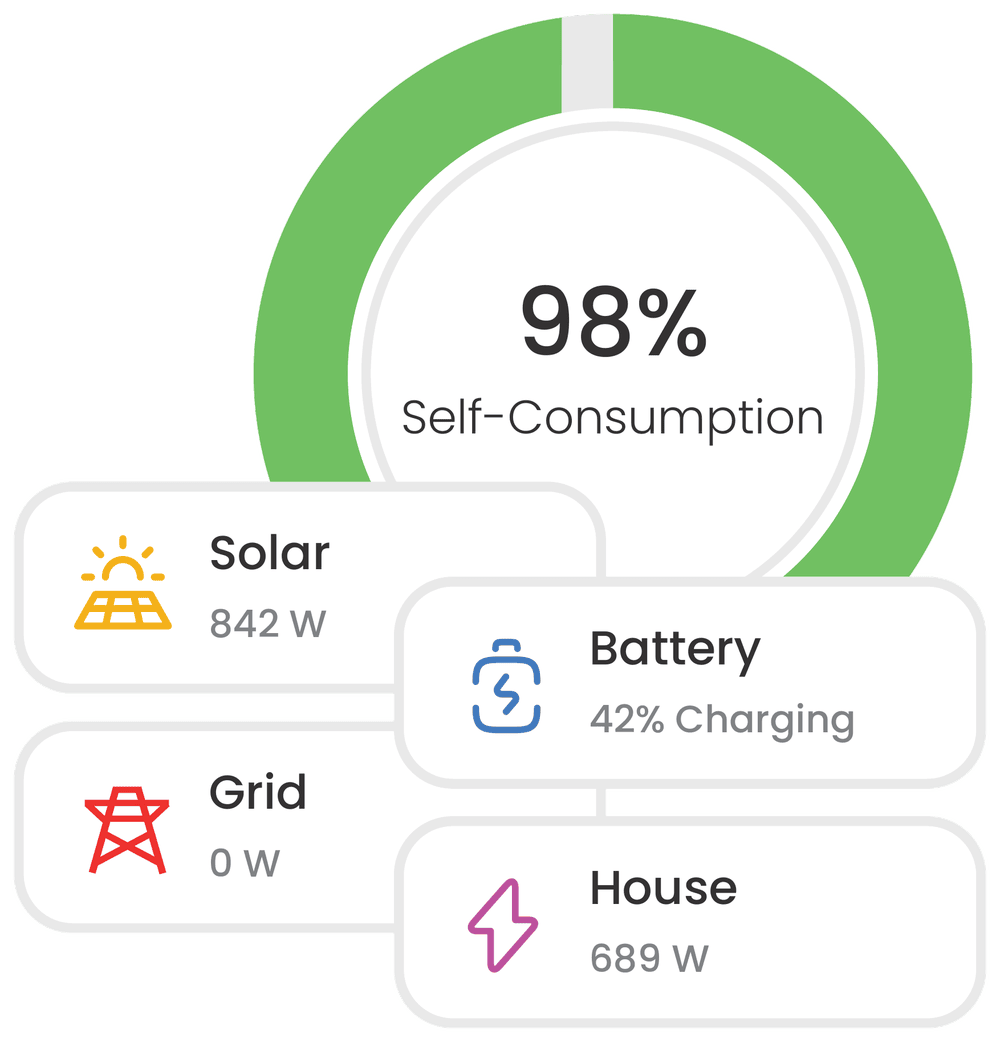
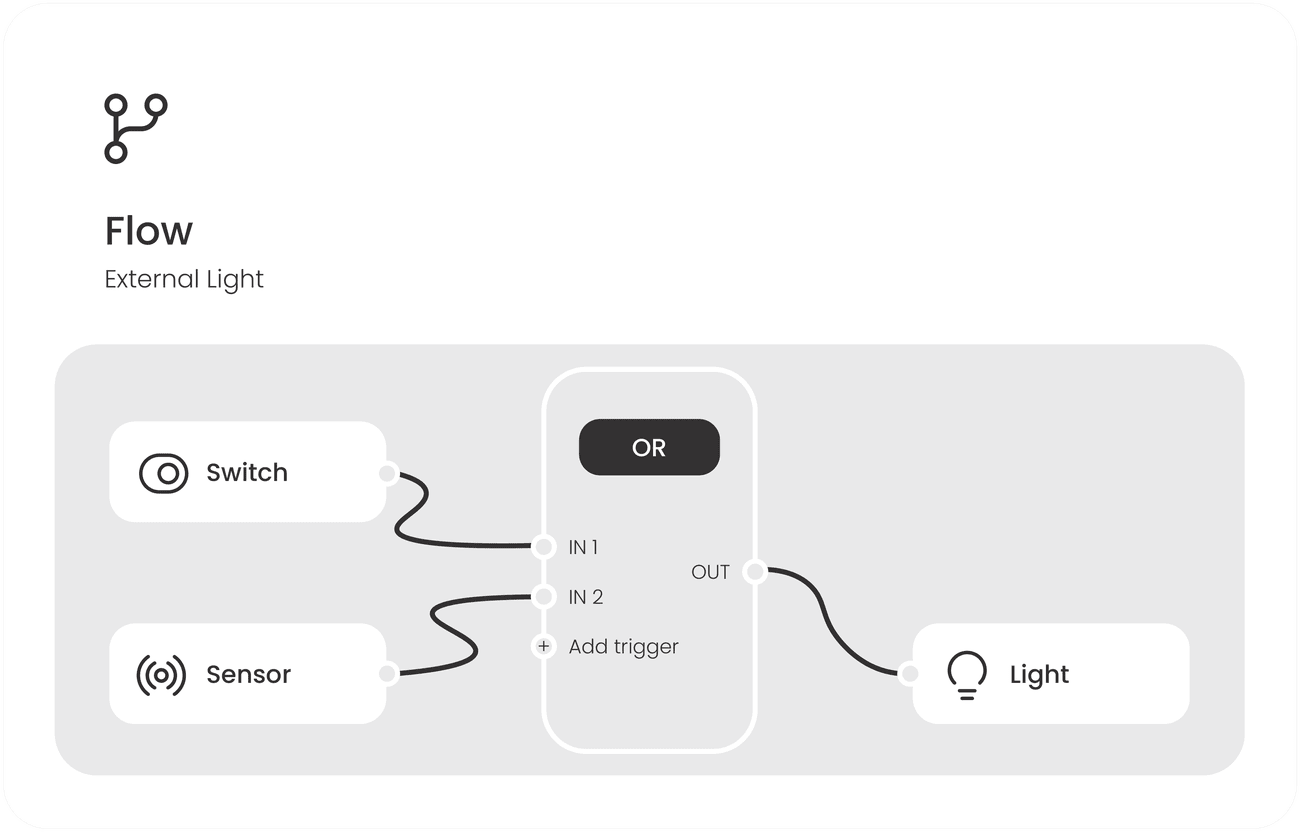
Lighting, climate, energy, scenes and logic — the same interface on a touch panel, a desktop, a tablet or a phone. Free on iOS and Android.
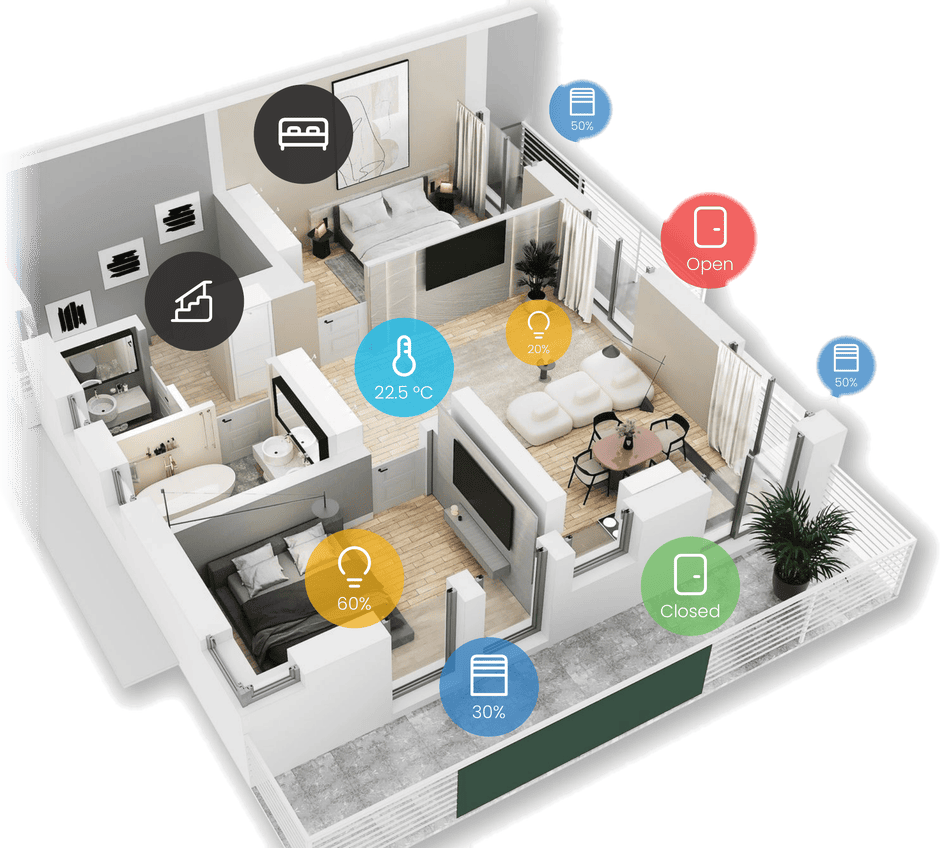
Map view
Upload floor plans or high-end renders and trigger every device in its real physical context — or switch to a vertically scrolling object list for one-handed speed on a phone.
KNXBACnetModbusMQTTMatterZigbeeZ-WaveRTSPSIPSNMPOCPPRest APIAmazon AlexaGoogleApple HomeKitChatGPT / OpenAIAirzoneAkuvoxArt-Net DMXAVS ElectronicsBTicinoBlustreamBroadlinkCoolAutomationDahuaDenonDoorBirdEL.MO.FermaxGlobal CachéHikvisionPhilips HueIESSINIM ElectronicsIntesisIRTransKsenia Security04 — Hardware
Industrial-grade hardware acting as the definitive backbone for any smart building — DIN rail for centralized electrical boards, on-wall for a visible, unified control hub.
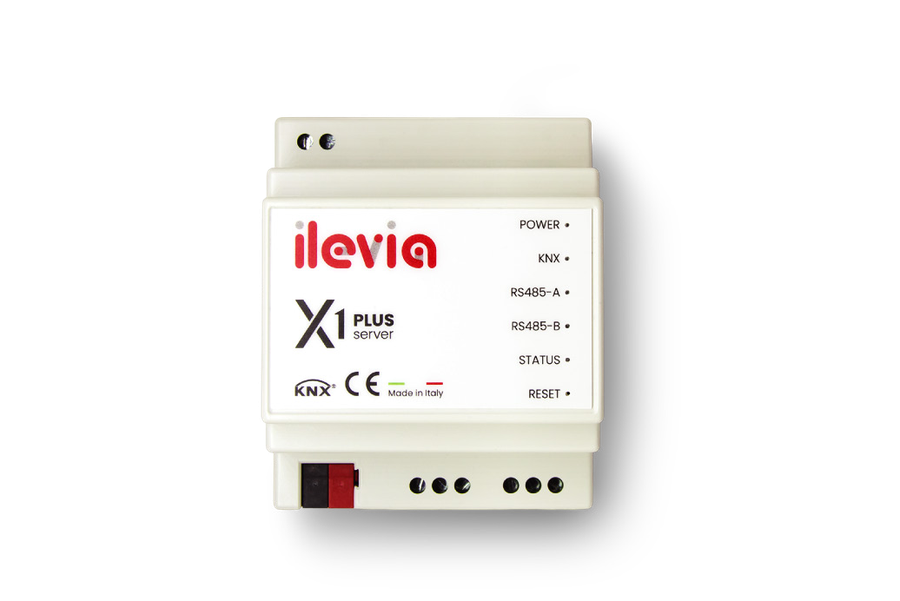
ILE-SRV-X1P
A DIN rail high-performance server engineered for complex integrations and data-intensive environments. 4U module, 12–36 VDC, integrated KNX, Modbus and BACnet gateways.
Product details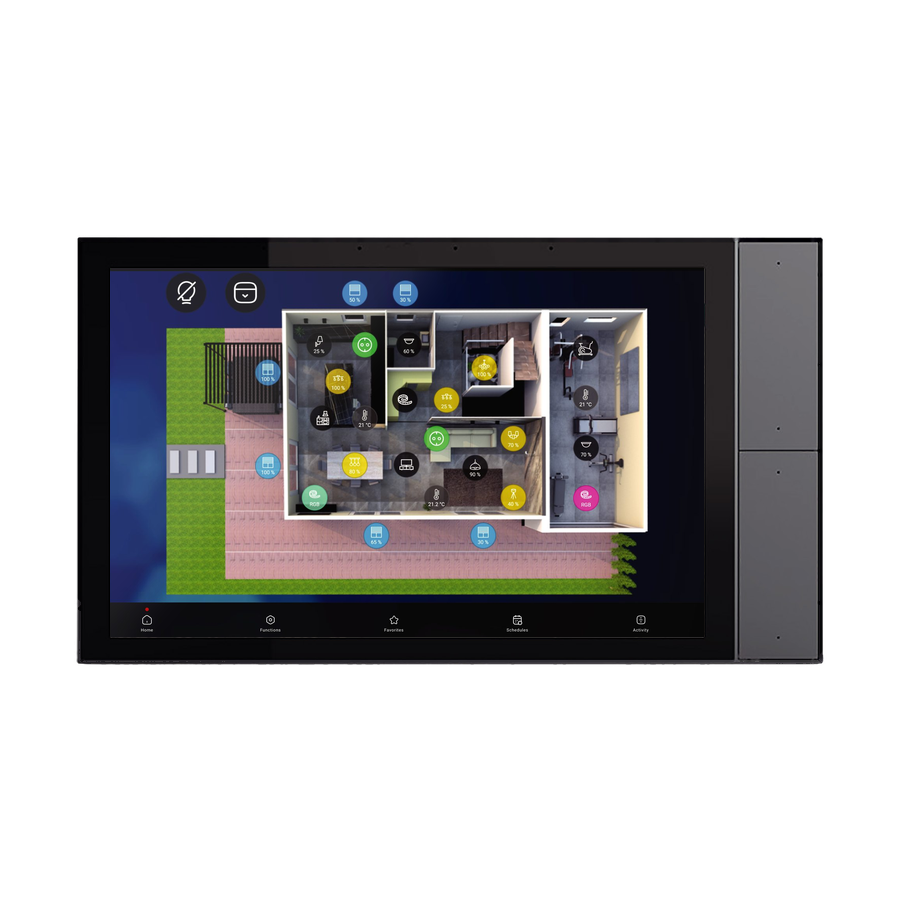
ILE-SRV-V100
An all-in-one 10.1" visualization hub combining a powerful integrated server with a high-definition touch interface. Wall-mounted, KNX bus powered, Android-based.
Product details
05 — Touch panels
Flush-mounted Android wall panels designed for continuous operation and instant system access. Powered over Ethernet, delivering the stability and ultra-fast control that high-end building systems demand.
06 — Why ilevia
An Italian vision with a global reach. We don't just follow market trends: we constantly implement new technologies to provide our partners with reliable tools for a rapidly changing world.
Since 2009 we combine intuitive software with high-performance hardware, engineered in Bassano del Grappa.
New protocols and integrations arrive as software updates — the hardware you install today keeps gaining capabilities.
Every server ships pre-licensed, pre-configured and ready to deploy. Power it up and start programming.
Floor plans, icons, fonts, themes, opacity, layout — the interface adapts to the project, not the opposite.
Encrypted local and remote access, with automatic selection of the fastest connection path.
A tech hotline and a WhatsApp channel that connect you to real specialists — no ticket queues.
Next step
Talk to our team about licensing, hardware sizing and integration scope — or open the live demo and try the interface yourself.